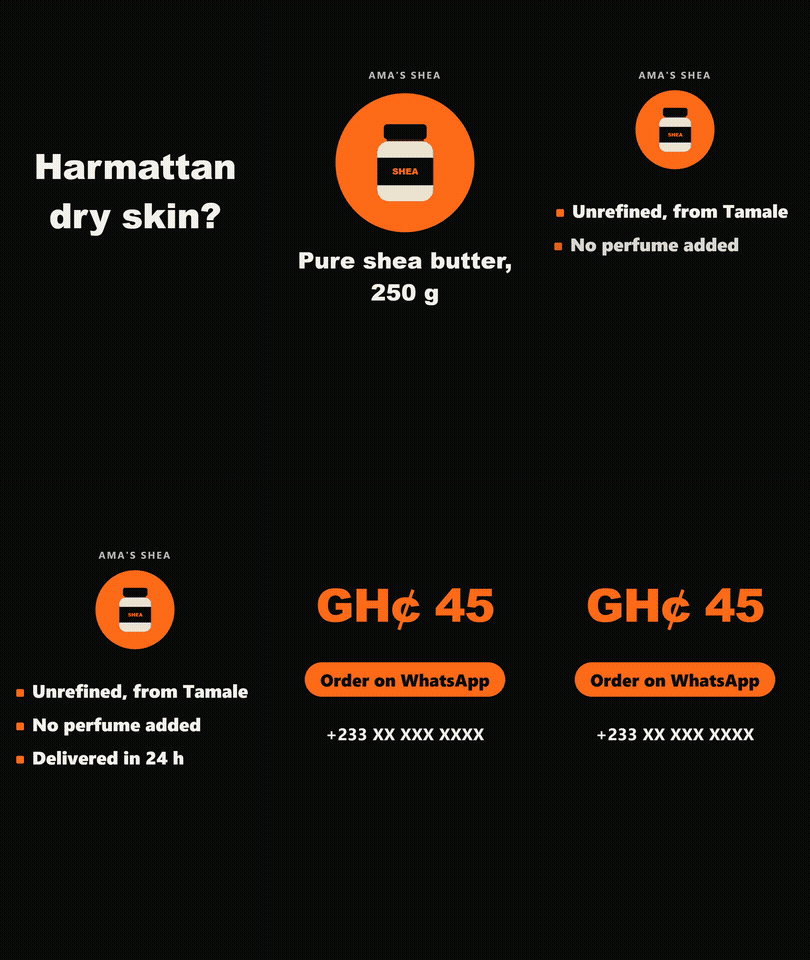
A real promo made with the product promo template from this course and exported with its video script. It is shown here as a small GIF; the course exports a sharp MP4.
Animated logos, product promos and text reels are what shops, churches and brands post on WhatsApp Status, Reels and TikTok every week. This course teaches you to make them with AI tools and three ready templates, and to deliver them without the license problems most beginners walk into.
You follow one example from start to end, Ama’s Shea, a made-up shea butter seller in Accra, and you make the same three videos for a real business of your choice: a 5-second animated logo in four formats, a 15-second product promo, and a 20-second kinetic text reel timed to music.
What makes it different from free videos on the same topic:
- Rules you can check, not taste: each text stays on screen for its number of characters divided by 17, in seconds; nothing that must be read goes in the top 14% or the bottom 35% of a vertical video, where Instagram and TikTok put their buttons.
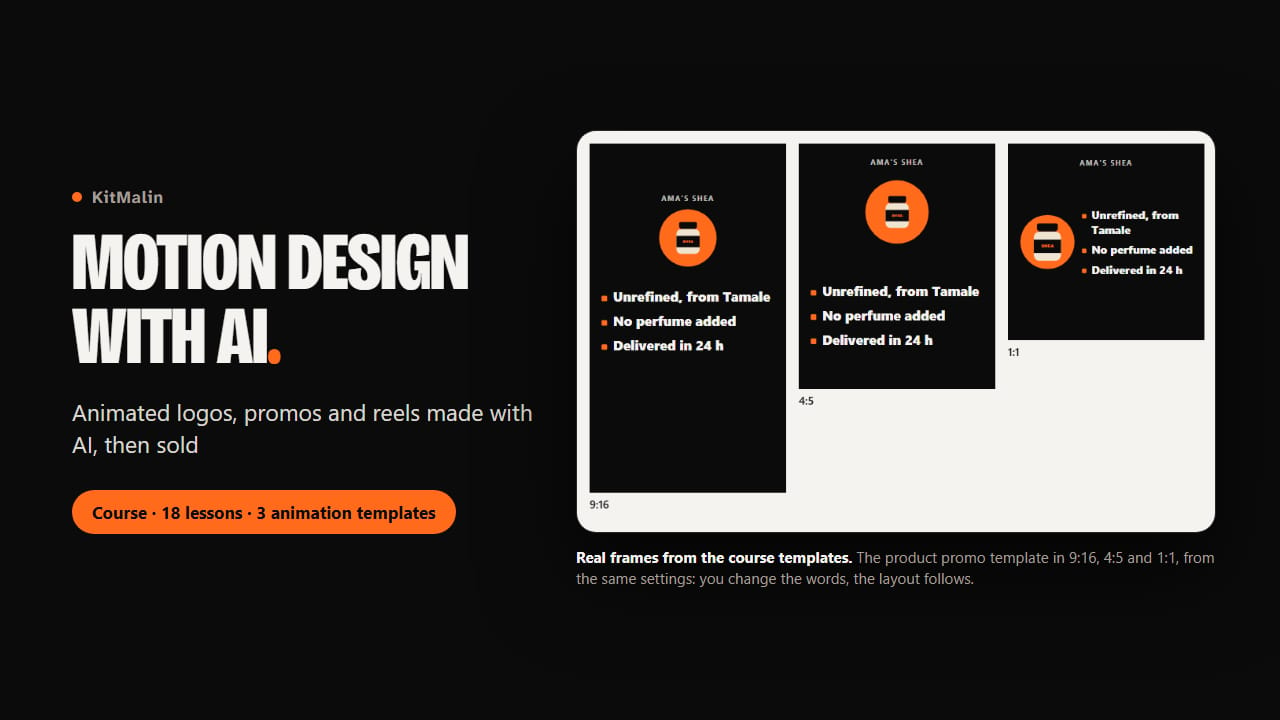
- Three templates that apply these rules for you. A long name gets smaller instead of running off the screen, each template has real 9:16, 4:5 and 1:1 layouts (and 16:9 for the logo), and a yellow note tells you when a text needs more time.
- A sharp export. Recording your screen turns a vertical video into a blurry one (on a 1366 x 768 laptop, it is captured at 432 x 768 pixels). The make-video.mjs script included in the zip makes the MP4 frame by frame, at exactly 1080 x 1920, even on a modest laptop.
- The facts about the AI tools, checked on their official pages in November 2026: Google Flow’s 50 free credits a day and the hours when free accounts are blocked, which free plans allow client work (most don’t), why CapCut’s "commercial" music only covers CapCut and TikTok, and why a Suno song made on the free plan can never be used for a client.
- A selling chapter with real price references from Lagos, Nairobi and Accra, with their sources, and a method to set your own prices, not a made-up price list.
What we tested and what we didn’t. We tested the three templates in every format and the make-video.mjs script on Windows 11 with Edge, Node.js and FFmpeg: the logo, the promo and the reel came out at the right size, with the right number of frames, and the pictures in the course are real renders of the templates. We couldn’t use CapCut, Canva, Google Flow or ElevenLabs accounts while making the course: what it says about them comes from their official pages, dated, without screenshots of their menus. We haven’t tested the templates on a Mac or on a phone.
It’s a written course: no videos of us talking. It doesn’t promise you clients or income.
What you get
- 6 chapters and 18 lessons to read on your phone or computer, with pictures of the templates at each step
- 3 animation templates for Edge or Chrome: animated logo, product promo, kinetic text reel, each in several formats
- make-video.mjs, a script that turns a template into a sharp MP4 (or a .mov with a transparent background), with an optional music track
- 3 guided projects with every setting and every command
- A dated list of AI tools for video, images, voice and music, with their free limits and which plan allows client work
- The course workbook (PDF) with all the lessons, your video brief, a checklist before delivery and every prompt to copy
- A Start here guide with pictures of each template